

1、环境
1、192.168.2.240部署了registry
2、前一章,做好了springboot的镜像:wss-demo:v001
2、推送
2.1、打标签
docker tag wss-demo:v001 192.168.2.240:15000/wss-demo:v0012.2、推送
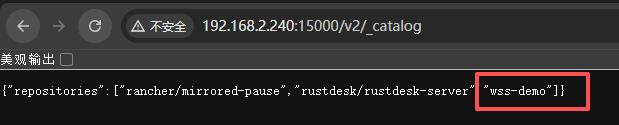
docker push 192.168.2.240:15000/wss-demo:v0012.3、查看是否成功
3、其他服务拉取测试
3.1、配置
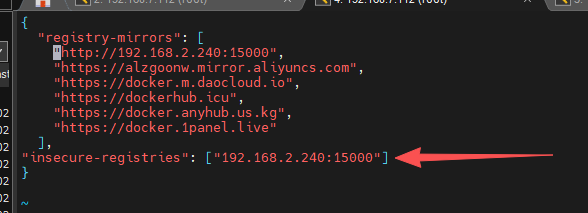
其他服务需要修改配置文件,允许http访问镜像仓库
vim /etc/docker/daemon.json{
"registry-mirrors": [
"http://192.168.2.240:15000",
"https://alzgoonw.mirror.aliyuncs.com",
"https://docker.m.daocloud.io",
"https://dockerhub.icu",
"https://docker.anyhub.us.kg",
"https://docker.1panel.live"
],
"insecure-registries": ["192.168.2.240:15000"]
}
systemctl daemon-reload
systemctl restart docker
3.2、拉取
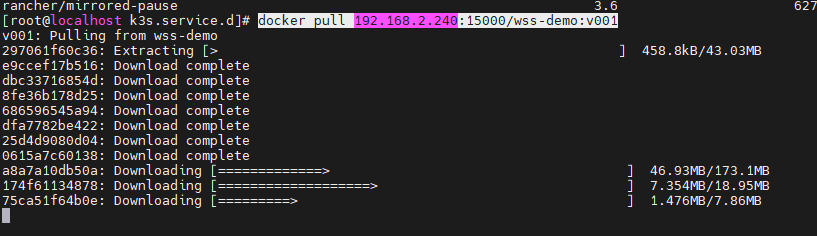
docker pull 192.168.2.240:15000/wss-demo:v001